Boreon MCP Layer
Built for Tableau. Fluent in Databricks and Snowflake too.
The Boreon MCP Layer runs inside your own network, on the LLM you choose, and helps your team get the most from Tableau Server or Tableau Cloud, Databricks and Snowflake: ask in natural language, and live tables, your own views, Pulse, lineage and logs come right into the chat. When something belongs on another platform, anyone can ask for the move the same way, and every number is checked against the original. It's your team's migration and support companion, with our managed services a message away. You own it, and there are no license fees.
- 6
- languages, from English to Japanese
- 3,000
- Tableau help pages behind every how-to
- 96%
- fidelity, measured on a real Tableau workbook
- Genie
- built into every Databricks dashboard

Tableau Server & Cloud
Start with the Tableau you already have.
Nothing has to move. The layer reads your Tableau Server or Tableau Cloud site through Tableau's own APIs, so people can ask questions in six languages, admins get failed jobs explained in natural language, and a governance scan turns up PII and stale content. The only thing it ever writes is a workbook you choose to publish.

For executives
One message. A boardroom answer.
The Boreon MCP Layer gives leaders a calm place to talk with Tableau Server or Tableau Cloud. One question brings back the numbers from a live VizQL query, a chart and the answer in natural language, all together.
In English, Japanese, German, French, Italian and Russian.
Which region led sales, and which one should we watch?
Reading Tableau · Superstore · VizQL Data Service · read-only
West leads with $725K in sales. Central has the thinnest margin at 7.9%, so it is the region to watch.
| Region | Sales | Margin |
|---|---|---|
| West | $725K | 14.9% |
| East | $679K | 13.5% |
| Central | $501K | 7.9% |
| South | $392K | 11.9% |
Open the Tableau viewPublish to TableauDrill into Central
What the scan finds.
It downloads every workbook and data source definition, not just what the Catalog indexes, so formulas and custom SQL are covered too.
-
PII and PHI
Every workbook and data source, calculated fields and custom SQL included.
-
Leaked credentials
Passwords and keys left in connections or formulas.
-
Stale and unused
Content nobody opens, and users who never sign in.
-
Over-shared
Over-permissioned content, and duplicate or orphaned data sources.
Scan the whole site for PII, PHI and leaked credentials.
- Sales Pipeline ReviewClean
- Patient IntakePHI in 2 fields
- Finance ClosePassword in a connection
- Q3 Forecast (copy)Not opened in 212 days
- Regional OpsShared with All Users
Done. Four findings, each explained in natural language.
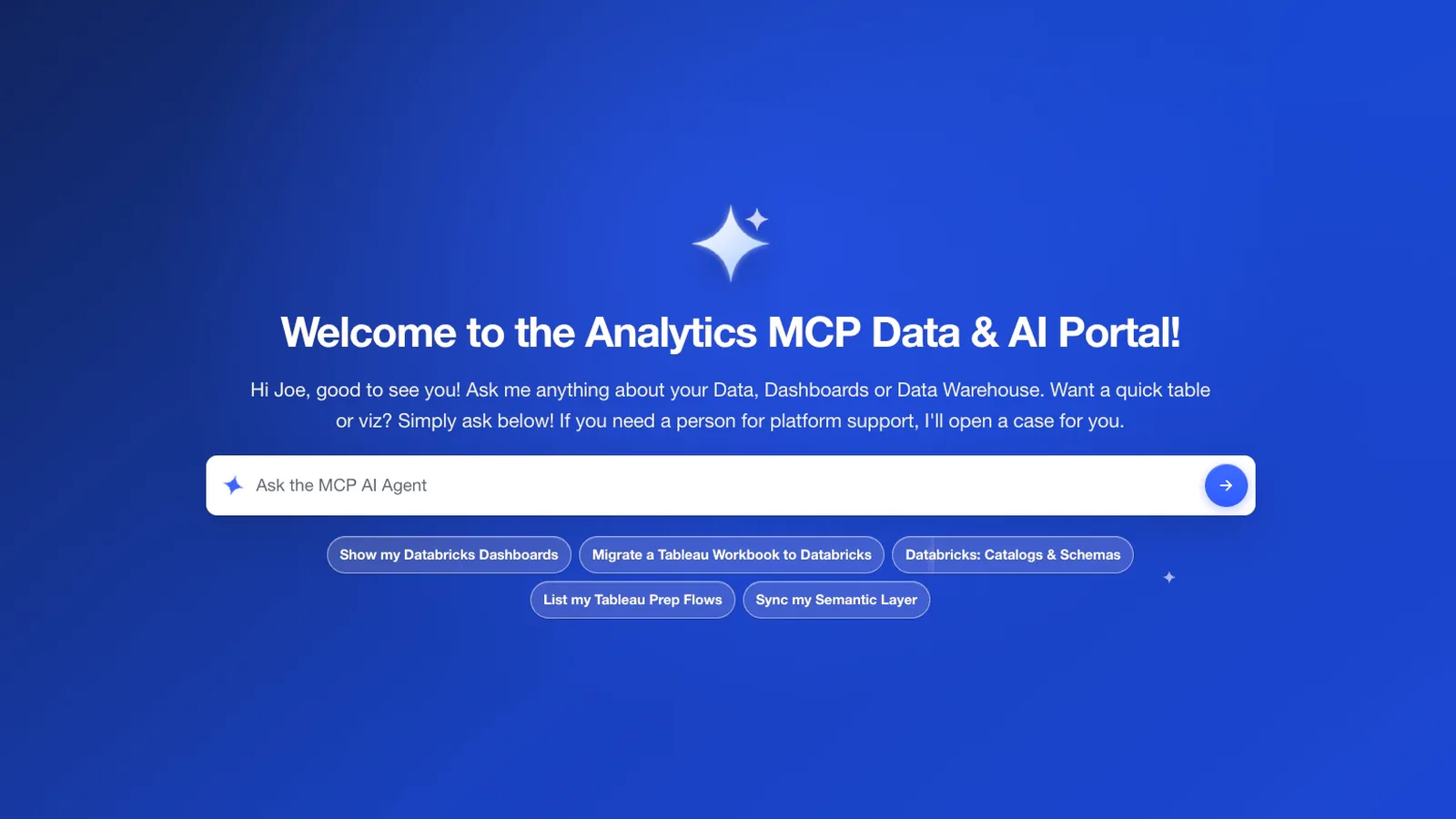
The screen your team signs in to.
One field, five presets and a conversation that remembers. Every answer ends with the next step to take.
Salesforce Agentforce
When a question needs Tableau, Agentforce asks ours.
Your people talk to Agentforce inside Salesforce. When the answer lives in Tableau, the agent asks the Boreon MCP Layer, which reads your Tableau Server or Tableau Cloud site and does the Tableau Next work.
Which of our dashboards are ready to move to Tableau Next?
Asking the Boreon MCP Layer
Four of six are ready. Pipeline and Renewals use two fields your semantic model doesn't have yet, Region Target and Margin %. Add them to the model, then plan again.
Answered with the Boreon MCP Layer
Migrations
Tableau and your warehouse, side by side.
Some dashboards work best right next to their data. Point the layer at your Tableau Server or Tableau Cloud site and ask for one in natural language. On Databricks it comes back as an AI/BI dashboard with Genie built in, sitting on a materialized view built from its Prep flow. On Snowflake it comes back as a Streamlit app on a dynamic table. Your Tableau stays just as it is.
- Tableau Boreon MCP LayerWorkbooks, data sources and Prep flows, read through Tableau's own APIs
- DatabricksDashboards to AI/BI dashboards with Genie, Prep flows to materialized views
- SnowflakeDashboards to Streamlit apps, Prep flows to dynamic tables
A dashboard on Tableau Server or Tableau Cloud can be rebuilt on your warehouse's own tools, and the original stays in Tableau. Hover or tap a platform to trace its path.
Why platform migrations stall.
-
Dashboards are rebuilt by hand
Someone re-authors every sheet and rewrites every calculation in SQL, one workbook at a time.
-
Prep flows hide the real logic
The data a workbook reads is often shaped by a Prep flow nobody has documented.
-
Each platform needs its own experts
Each platform speaks its own language, so business users end up waiting on specialists.
So the project drags on, and the people who needed answers are still waiting when it ends.
Proof comes with every migration.
Measured on your own workbooks, and shown to you before anything is published.
-
A fidelity report per sheet
What was mapped, approximated or left out, with a score.
-
Parity with Tableau
Each sheet's rows compared with Tableau's own answer.
-
Queries proven first
Every sheet runs on the warehouse before anything is published.
-
A reason for anything it skips
If it won't migrate something, it names it and says why.
| Sheet | Rows matched |
|---|---|
| Sheet 1 | 12 / 12 |
| Sheet 2 | 5 / 5 |
| Sheet 3 | 24 / 24 |
| 3 / 3 | 41 / 41 |
All 41 rows match · published
Whatever you run, the portal is yours.
Anyone can ask a question in natural language and get a live answer from Tableau, Databricks or Snowflake, without writing SQL or filing a ticket. Every Databricks dashboard it shows has Genie built in, so the questions can keep going.
Which region had the most failed calls last week?
Live from Databricks: failed calls by region, last seven days.
| Region | Failed calls |
|---|---|
| us-east | 142 |
| eu-central | 97 |
| ap-northeast | 63 |
| us-west | 28 |
MVP in two weeks. Live in a month.
We start with the dashboards you care about most and prove them in the first two weeks. Then we finish the rollout and hand you the keys.
- 2 weeks MVP
- 1 month Final deployment
- Go live Your portal, yours to keep
- Your central LLM portal
- One central MCP server
- No license fees
Explore the Boreon MCP Layer.
How the layer works, how it works with Salesforce and Agentforce, what it does for Tableau Server and Tableau Cloud, where your content can go, the portal your team keeps, and how we deliver all of it.
01Boreon MCP Layer
02Salesforce Agentforce
03Tableau Server & Cloud
04Migrations
05LLM Portal
06SDLC Projects
Bring one question, or one dashboard.
Ask your Tableau Server or Tableau Cloud site something you really want to know, or pick the dashboard your team leans on most. Either one becomes the first thing we set up, and what we build stays yours.